-
-
GATHER PARTS AND TOOLS FOR FRAME ASSEMBLY
-
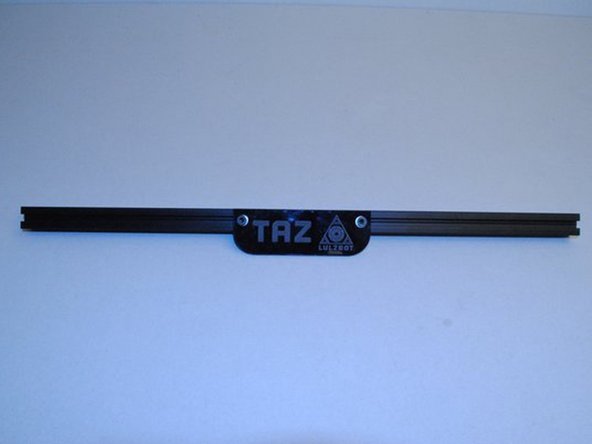
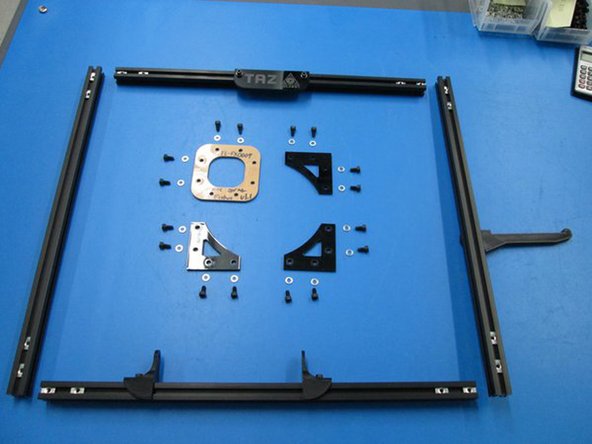
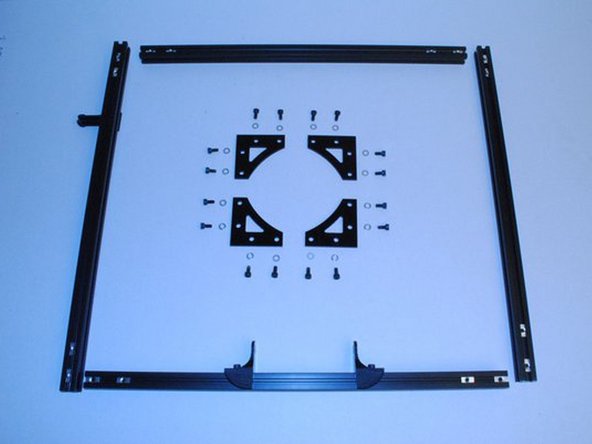
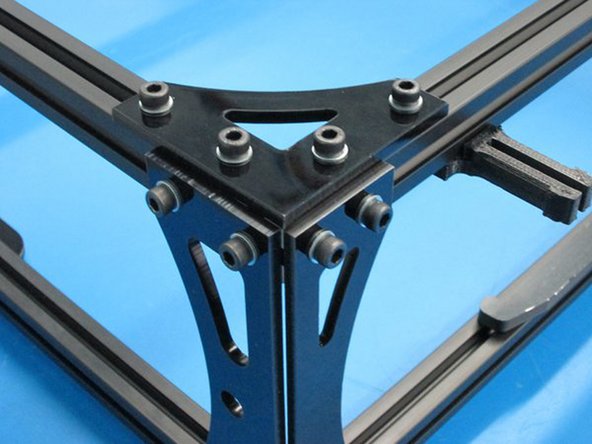
Components: Z top flat Z top flat side Frame connector Name Plate Y mount chassis Z motor mounts, Left and Right Spool Arm
-
Feed tube holder Extrusion, 500mm Black, not tapped Extrusion, 500mm Black, tapped on one end M5 x 10 SHCS M5 x 14 SHCS M5 Washer M5 T-nuts
-
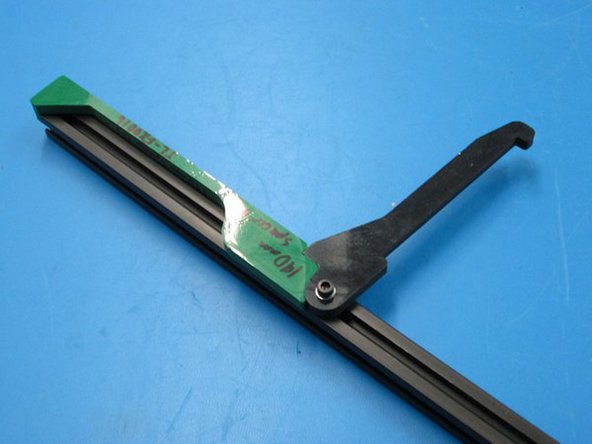
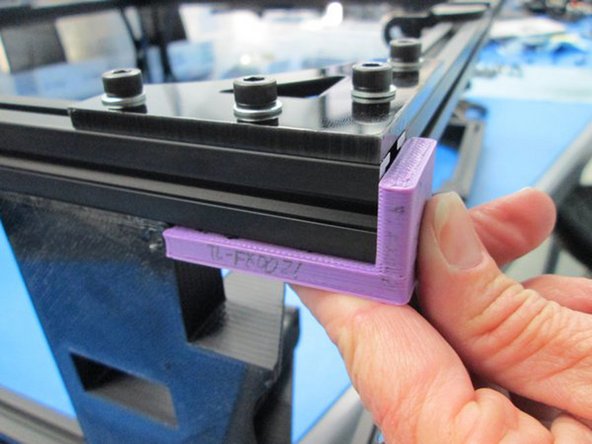
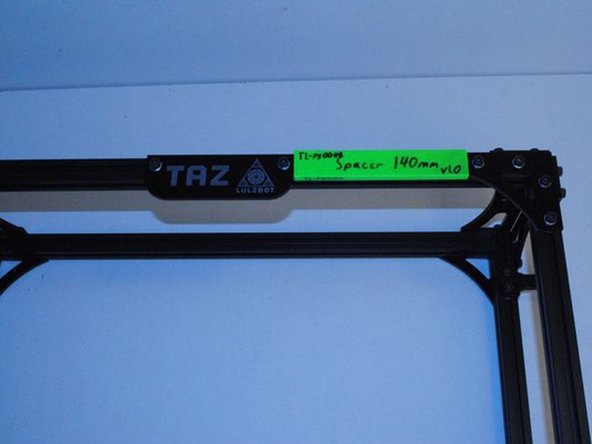
Tools:TL-FX0001, 140mm Spacer TL-FX0009, TL-FX0021, 48mm Spacer TL-FX0016 4mm Allen Driver
-
Photo 1: TL-FX0001, 140mm Spacer
-
Photo 2 - TL-FX0016
-
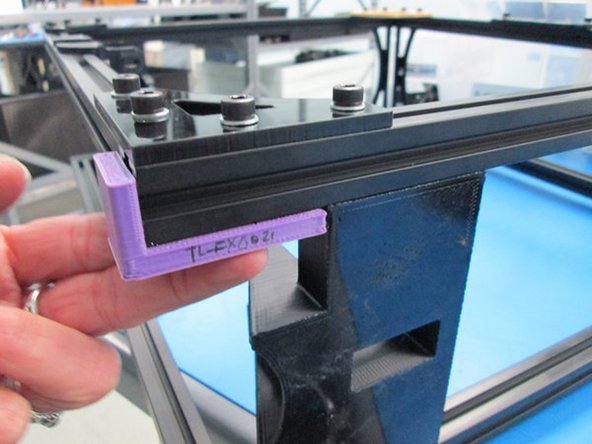
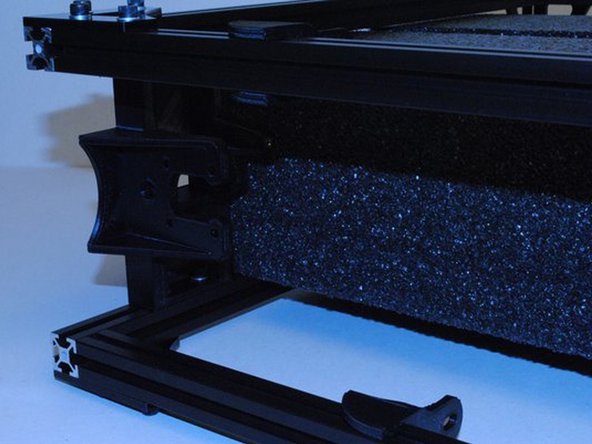
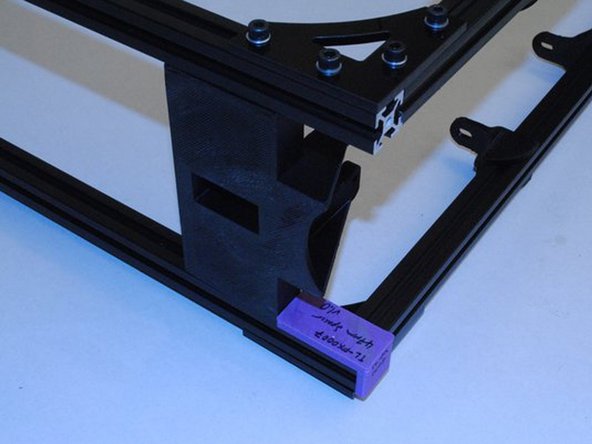
Photo 3 - TL-FX0021, 48mm Spacer
-
-
-
GATHER TOOLS (continued)
-
4 mm Allen Driver
-
TL-FX0009
-
-
-
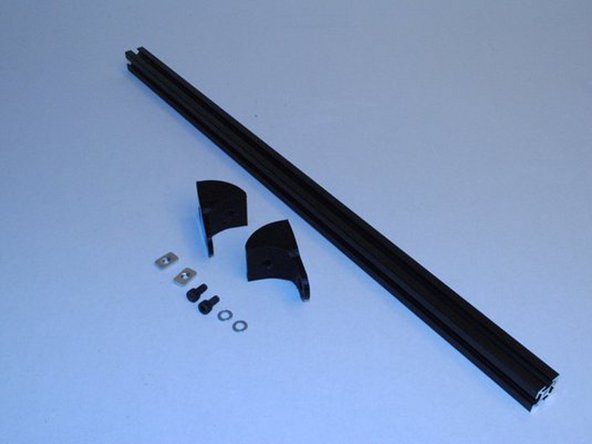
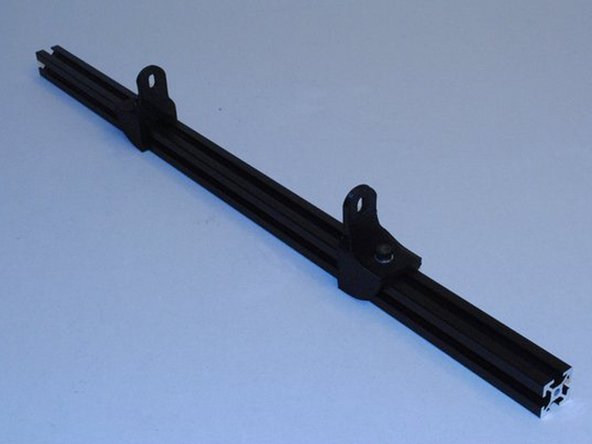
INSTALL Y MOUNT CHASSIS ONTO EXTRUSIONS - Build 2 of these assemblies.
-
Install two Y mount chassis onto Extrusion with no taps using M5 x 10 SHCS, M5 Washers and M5 T-nuts.
-
Take note of the direction of the Y mounts, the tall flat sides must face each other.
-
The location is not important at this point. Snug them down just enough to not slide around during the rest of the assembly.
-
Have you assembled 2 of these?
-
-
-
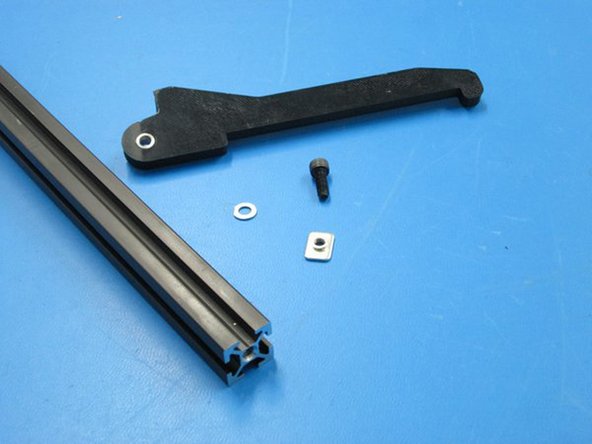
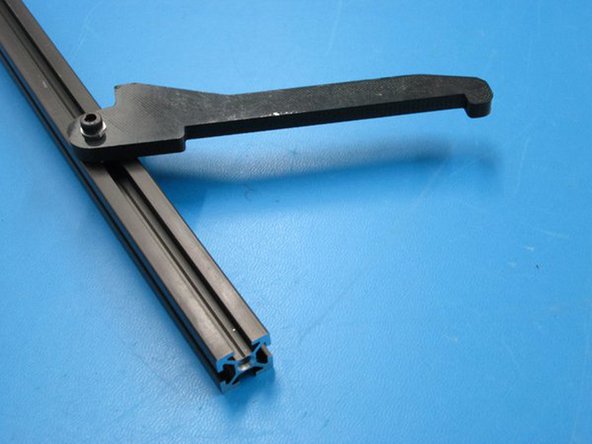
INSTALL THE SPOOL ARM
-
New line.Install 1x M8 nut into the Inner spool mount.
-
Use 1x M5 x 14 SHCS and M5 Washer to bolt on the Spool Arm.
-
Take note of the tapped end of the extrusion.
-
Set the location of the arm using the TL-FX0011 fixture.
-
-
-
INSTALL FEED TUBE SUPPORT
-
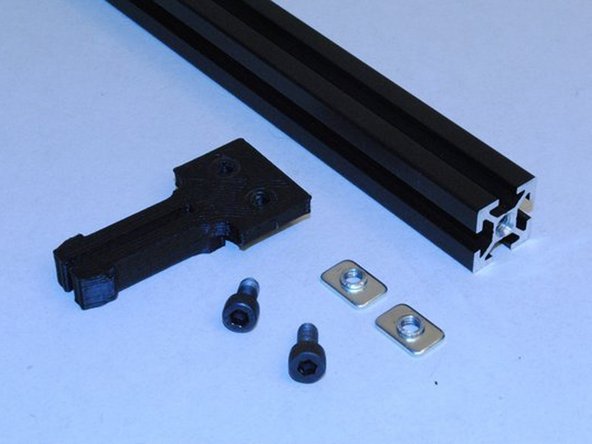
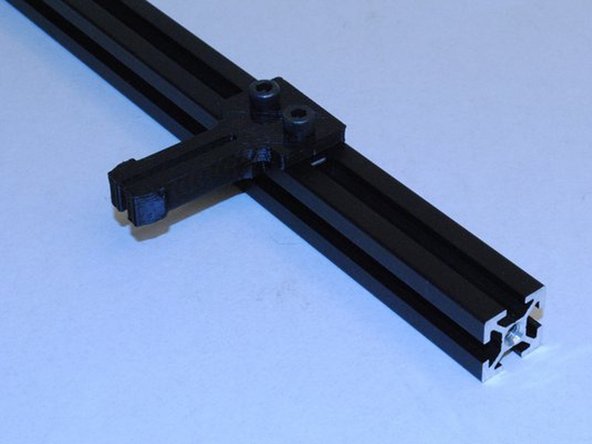
Slide 2x M5 T-nuts into the slot on the bottom right extrusion.
-
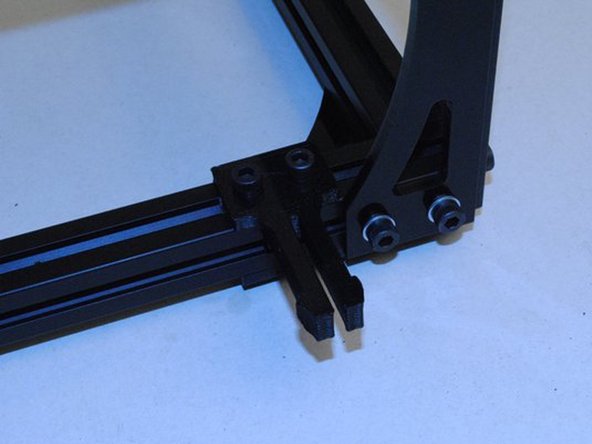
Install the Feet tube support with 2x M5 x 10mm SHCS.
-
Take note of tapped end of extrusion.
-
-
-
INSTALL NAME PLATE
-
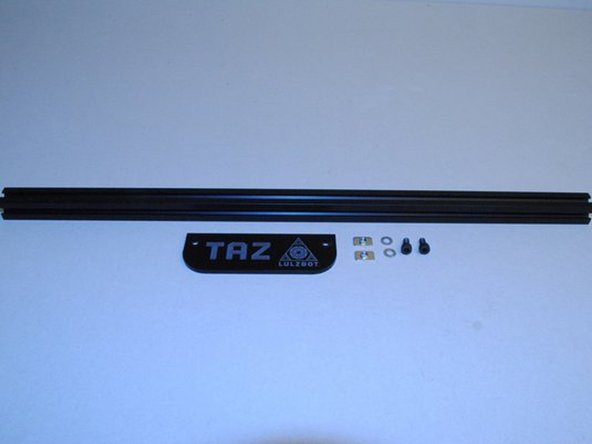
Using the 2x M5 T-nuts in an extrusion that is not tapped, install the name plate with 2x M5 x 10 SHCS and M5 Washers.
-
-
-
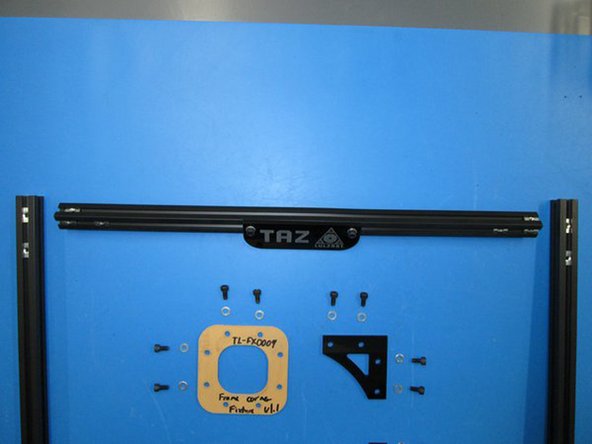
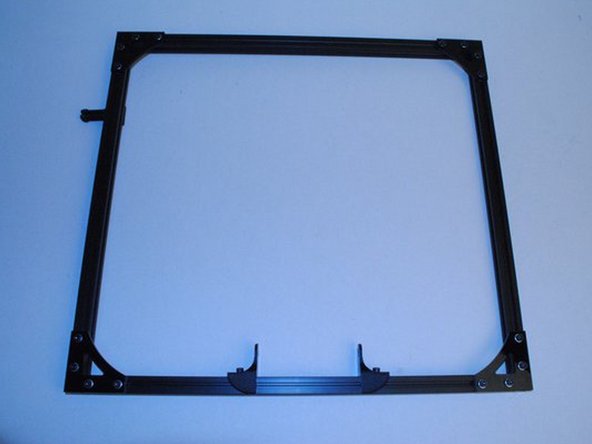
ASSEMBLE THE FRONT FAME SQUARE
-
There is a tapped extension at the top of both the right and left extrusions.
-
Install 2 M5 t-nuts into the top of the name plate extrusion.
-
Use Fixture TL-FX0009 in the upper left corner.
-
Assemble using M5 x 10 SHCS, M5 Washers and M5 T-nuts.
-
-
-
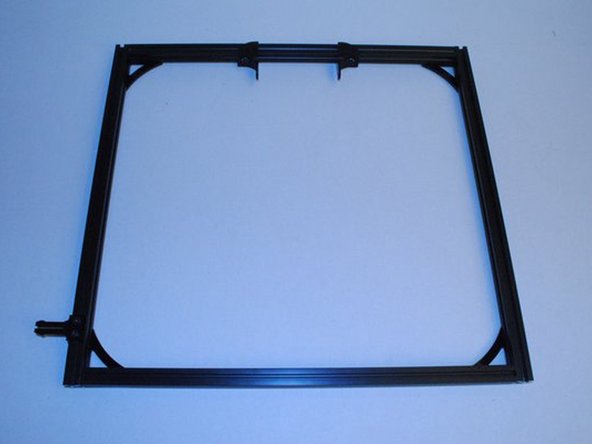
ASSEMBLE THE BACK FRAME SQUARE
-
There is a tapped extension at the top of both the right and left extrusions.
-
Install 2x M5 t-nuts into the top of the upper extrusion.
-
Assemble using M5 x 10 SHCS, M5 Washers and M5 T-nuts.
-
-
-
PREPARE FRAME FOR CORNERS
-
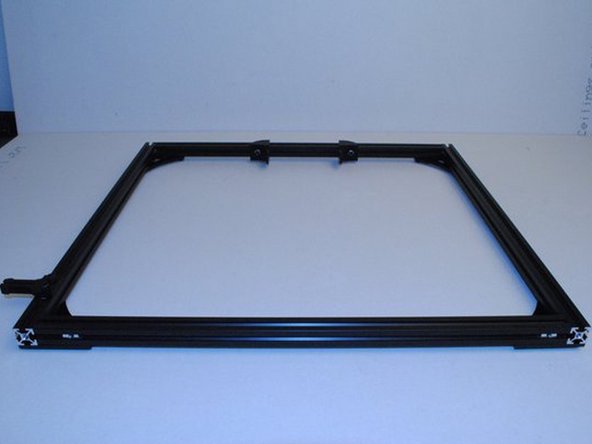
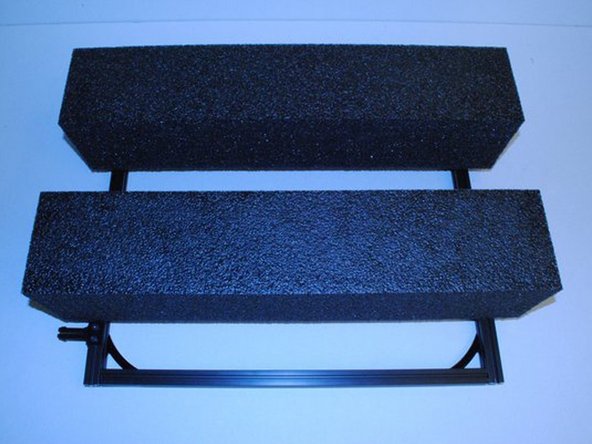
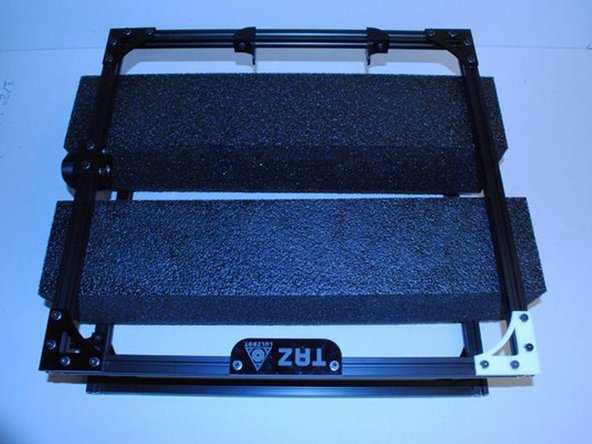
Lay the front and back frame squares together with the spacer foam.
-
Photo - Lay down the back frame square as shown
-
Photo 2 - Place foam spacers on back frame square
-
Photo 3 - Lay the front frame square on the top
-
-
-
INSTALL THE FIRST UPPER CORNER
-
Install 4x M5 T-nuts.
-
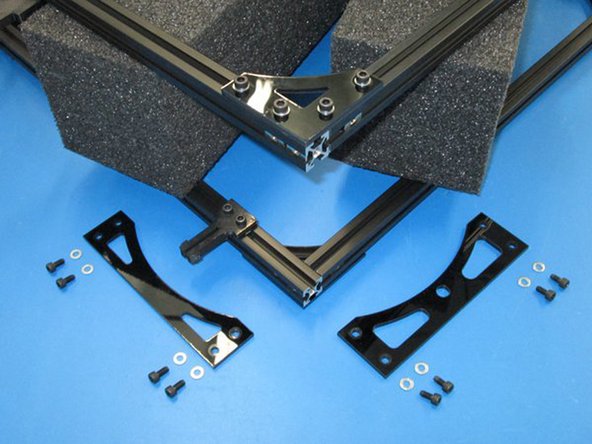
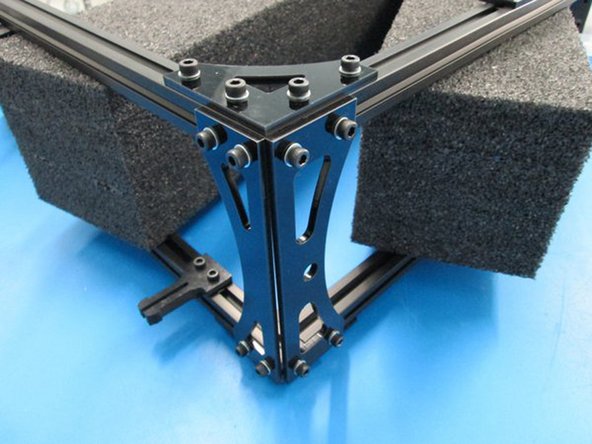
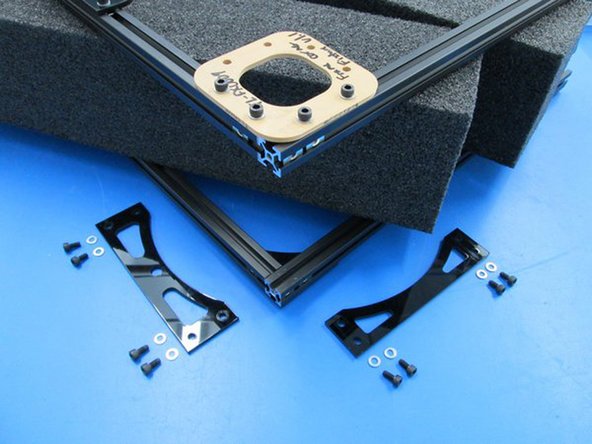
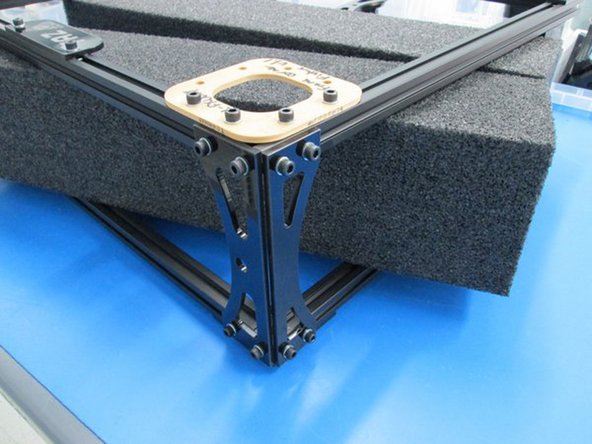
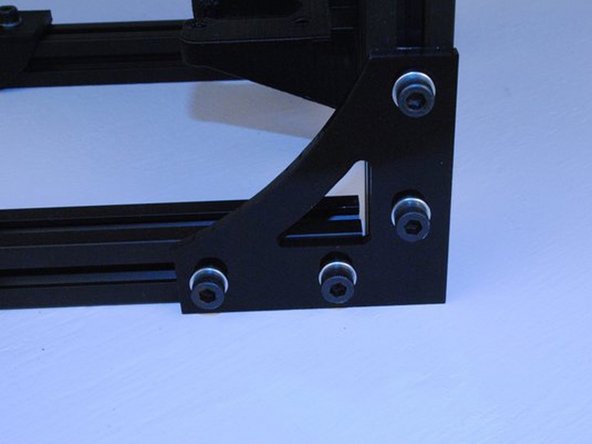
Assemble Z top flat and Z top flat side as shown with M5 x 10 SHCS and M5 washers.
-
-
-
INSTALL SECOND UPPER CORNER
-
Install 4x M5 T-nuts.
-
Assemble Z top flat and Z top flat side as shown with M5 x 10 SHCS and M5 washers.
-
-
-
INSTALL Z MOTOR MOUNT RIGHT
-
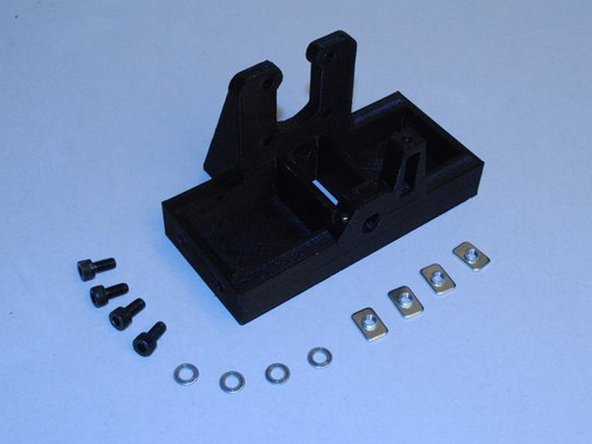
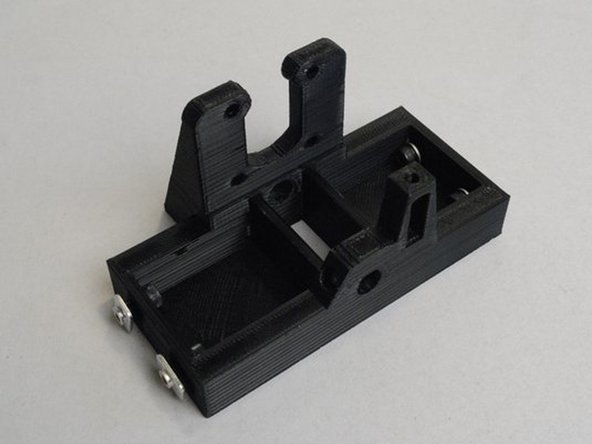
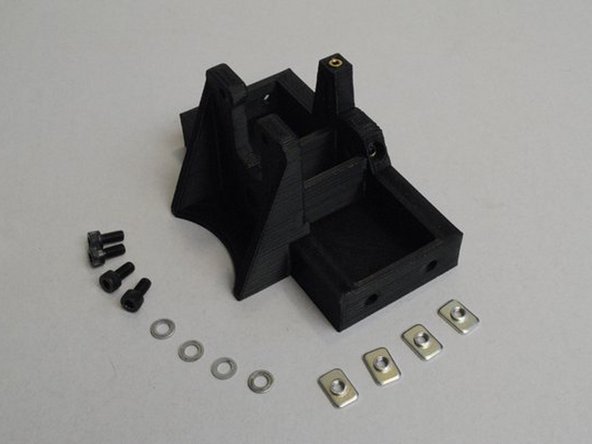
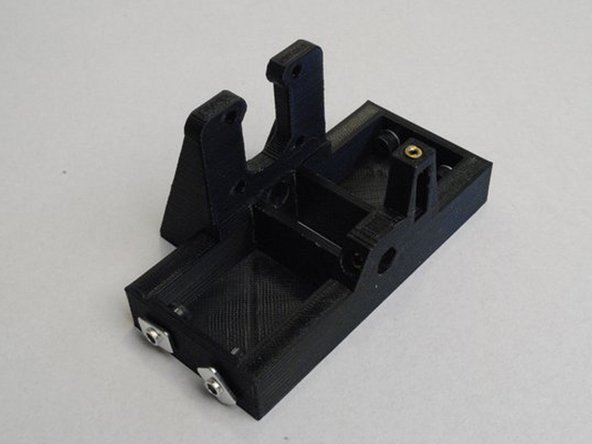
Install 4x M5 x 10 SHCS, M5 Washers and M5 T-nuts into the Z motor mount right as shown.
-
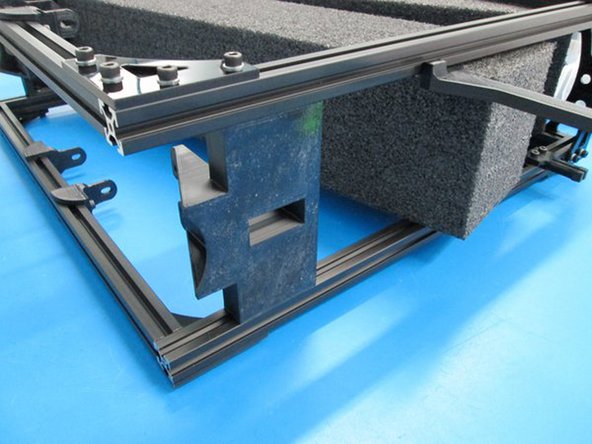
Slide the motor mount into the bottom of the frame and set it's height with the 48mm fixture.
-
Photo 1 - Parts required to install the Z motor mount right
-
Photo 2 - Hardware installed for insertion
-
Photo 3 - Z motor mount right installed
-
-
-
INSTALL Z MOTOR MOUNT RIGHT (continued)
-
Only check the height against the front part of the frame.
-
Photo 1 - Check Z motor mount height
-
-
-
INSTALL Z MOTOR MOUNT LEFT
-
Install 4x M5 x 10 SHCS, M5 Washers and M5 T-nuts into the Z motor mount left as shown.
-
Slide the motor mount into the bottom of the frame and set it's height with the 48mm fixture.
-
-
-
INSTALL Z MOUNT MOUNT LEFT (continued)
-
-
-
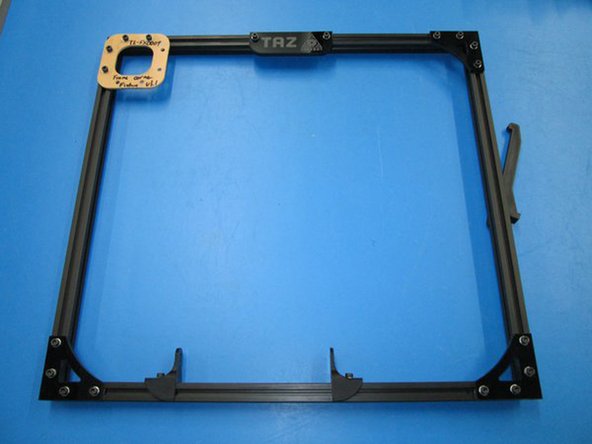
SQUARE FRAME, SET SPACING AND TORQUE BOLTS
-
Set the frame up on a flat surface.
-
Close any gaps there may be at the ends of the extrusions.
-
Make sure all parts are straight on the assemble with edges flush with the extrusion.
-
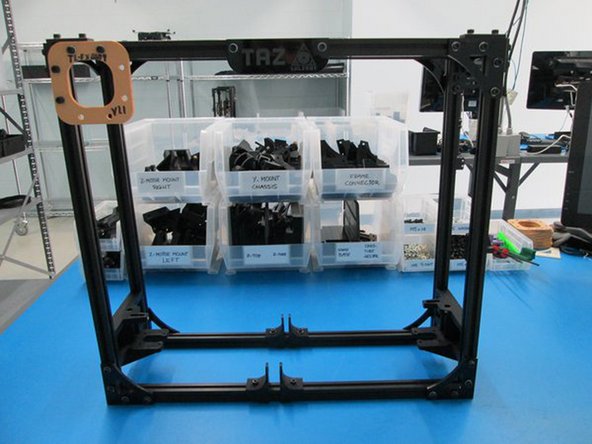
Photo 1 - Frame Assembly
-
Photo 2 - Example of Extrusion gaps
-
Photo 3 - Example of flush edges
-
-
-
SQUARE FRAME, SET SPACING AND TORQUE BOLTS (continued)
-
Using fixtures, set the location of the Name plate, Z motor mounts and Feed tube holder.
-
Tighten all the bolts at this point.
-
Is the frame square?
-
Are all the gaps at the ends of the extrusion closed?
-
Are the edges of the parts flush with the extrusion?
-
Are all the bolts tight? Are there 2x M5 T-nuts in the top front extrusion and 2x M5 T-nuts in the left front extrusion?
-
Photo 1 - Set Name plate spacing and tighten bolts -- Photo 2 - Z Motor Mount height -- Photo 3 Location of Feed tube holder
-